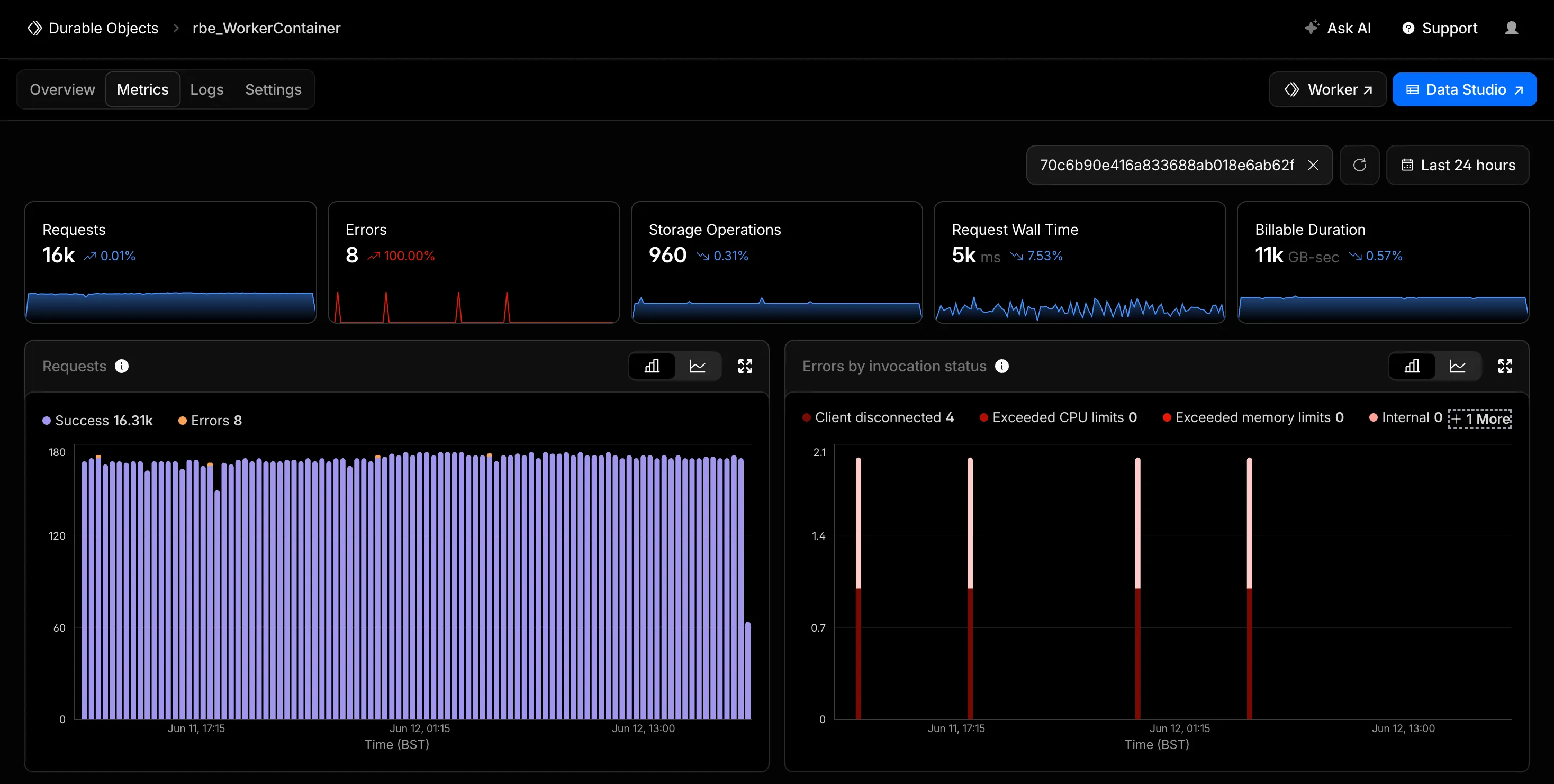
Filter Durable Objects metrics by object ID or name
You can now filter the Metrics tab for a Durable Objects namespace by an individual Durable Object's ID or name in the Cloudflare dashboard. Previously, metrics charts only showed aggregate, namespace-level data, making it difficult to isolate the behavior of a specific object.
Go to Durable ObjectsStart typing an ID or name into the filter and select a match from the autocomplete dropdown. Every chart on the page updates to reflect only the selected object. This makes it easier to identify and investigate a single Durable Object when debugging a high-traffic object, an error spike, or unexpected storage usage. Clear the filter to return to namespace-level metrics.
Metrics are powered by the GraphQL Analytics API, so standard analytics behavior such as ingestion delay and sampling applies.
For more information, refer to Metrics and analytics.